
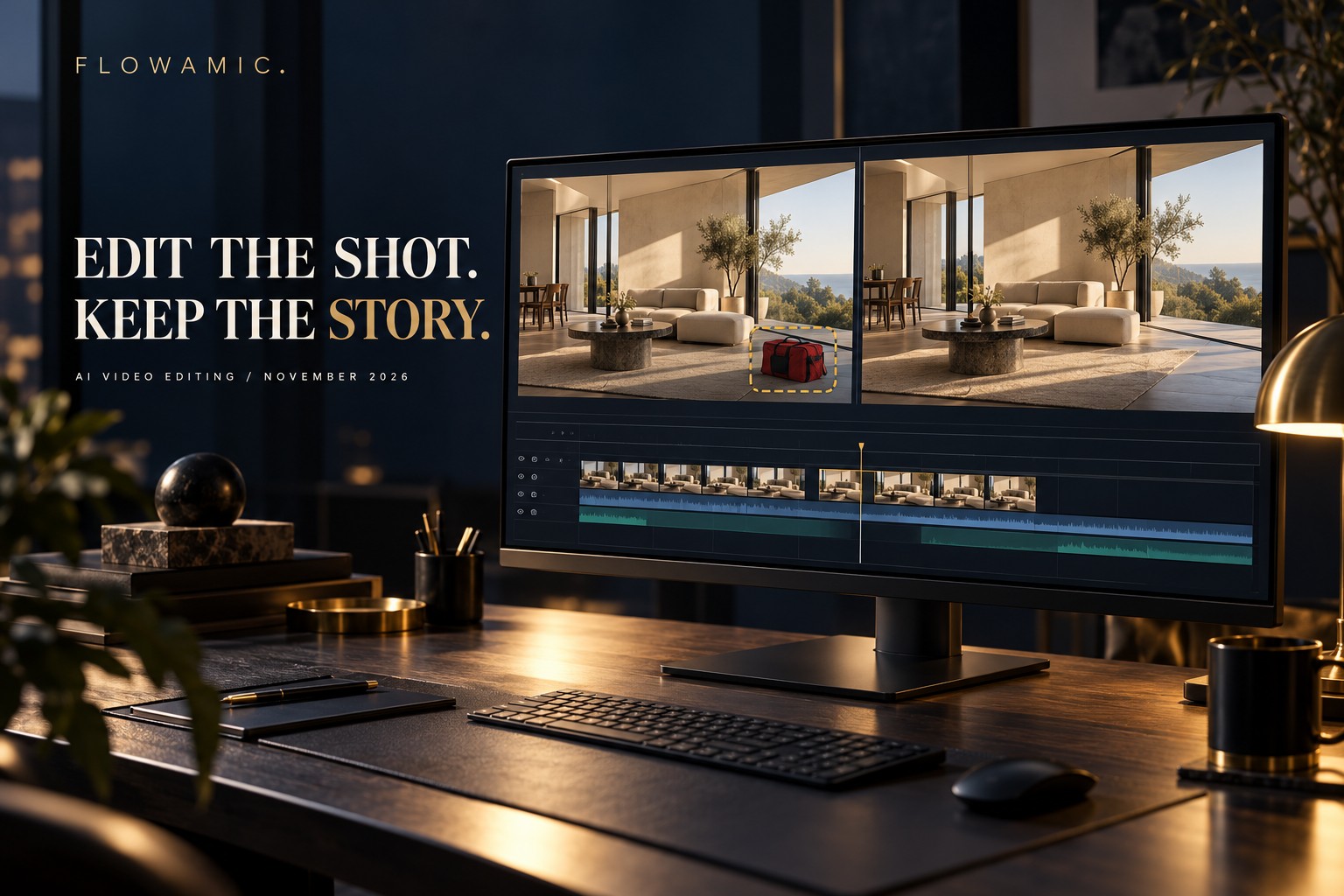
The next useful AI video editing conversation is about control: what should change in a shot, and what must remain trustworthy?
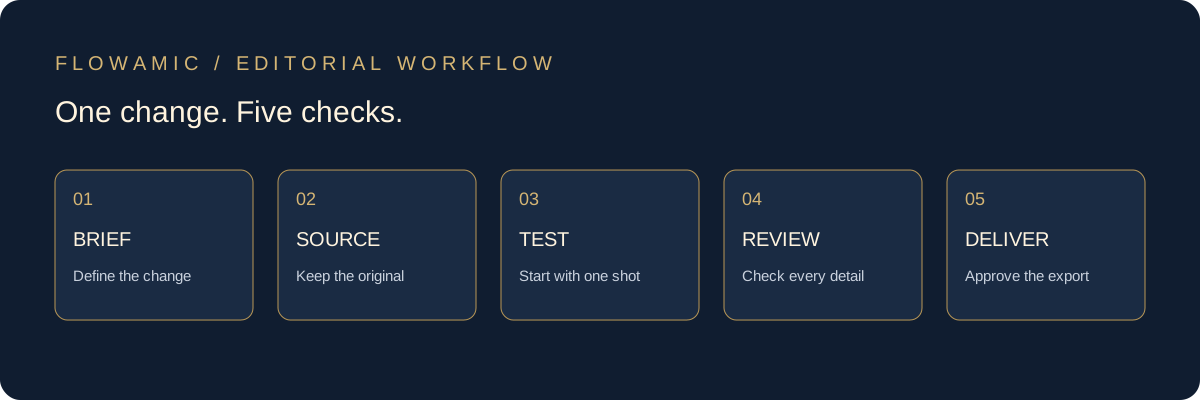
The shift: edit existing footage instead of starting again
AI video editing is moving beyond creating clips from scratch. A useful emerging workflow starts with footage you already have and asks for one controlled visual change. That makes it relevant to agencies, creators and brand teams working with material that has already passed part of the approval process.
In its 22 October 2026 guide, Runway describes video-to-video editing separately from finishing. Its examples include object removal, scene restyling and frame expansion, using text instructions and, where supported, reference frames. These are vendor-described capabilities, not Flowamic performance tests. Read Runway’s guide ↗
Adobe’s 15 October update also points toward faster AI-assisted production inside established creative tools and media workflows. That is useful industry context, not evidence that a specific edit will be faster on your workstation. Read Adobe’s announcement ↗
A practical example: one distraction in an approved shot
Imagine a hypothetical brand interview filmed in a bright office. The speaker, composition and delivery work well, but an equipment bag is visible in the background. The client asks for a clean version.
The brief should be narrow: remove the bag while preserving the speaker, room, camera movement and lighting. Keep the original clip and audio available for comparison. A conventional mask, crop or retouch may still be the better solution; the choice depends on the shot and what must remain exact.
This example illustrates how to plan a correction. The cover image is AI-generated concept artwork, not a before-and-after test or a client result.
1. Define the change and the protected details
Write the edit as a small production brief. Name the exact object or region to change, describe the desired result and list what must stay consistent. “Make it better” leaves too much open to interpretation.
- Change: the equipment bag behind the chair.
- Preserve: the speaker’s face, hands, clothing and lip movement.
- Check: reflections, shadows, background edges and camera motion.
- Delivery: the agreed frame rate, aspect ratio and review format.
These are acceptance checks, not a guarantee that a prompt can lock every pixel. If a product label, logo or demonstration must stay exact, protect it through the editing and compositing workflow rather than relying on an instruction alone.
2. Test a short section before processing more footage
Start with a representative section that includes movement, a difficult edge or a lighting change. Compare the candidate against the source at normal speed and frame by frame around the correction.
Look for drifting textures, unstable geometry, soft faces and changes that extend beyond the requested area. Reject a visually impressive result if it changes a factual detail or makes the subject less consistent. Record the tool, version, prompt and chosen output so revisions have a clear history.
3. Separate the visual correction from the final edit
A corrected shot is an ingredient, not a finished video. Put the approved candidate back into the editing timeline and review it in context. Pacing, dialogue, captions, music and the surrounding cuts still need editorial decisions.
Keep an untouched source and use clear version names. Check sync against the original audio instead of assuming it survived a model round-trip unchanged. Recheck the delivered file after export, including captions, graphics and any reframing.
4. Agree on permissions and approval before using AI
Before uploading footage, confirm the client permits the proposed tool and that your production team has permission to process the material. Review the service’s current data-handling terms for the project, particularly when recordings contain confidential work or identifiable people.
Do not change a testimonial’s meaning, invent a product feature or alter evidence to make a claim appear true. Tell the client what was changed and provide source comparisons for material edits. If the project needs disclosure of synthetic changes, plan that before delivery.
A delivery checklist for AI-assisted shot edits
- Does the edit solve the agreed problem?
- Are people, products, logos and text still accurate?
- Do edges, shadows and reflections remain stable in motion?
- Is dialogue in sync, with no unexpected audio changes?
- Have the client and editor approved the final export?
- Are the original footage and revision notes retained for handover?
No single model is right for every shot. Feature availability, output limits, credits and pricing can change. Check the current product documentation before committing a budget or deadline.
Turn a correction request into a clear editing brief
For Flowamic, the useful question is what the finished video needs to communicate. AI can be considered for a defined production task; story, accuracy and client approval remain part of the editor’s responsibility.
Have interview footage, a tutorial or a brand video that needs a stronger edit? Send us the intended audience, available footage, delivery formats and deadline. We can discuss the scope and whether an AI-assisted correction is appropriate.
DISCUSS YOUR VIDEO ↗ Explore video editing services ↗
Email [email protected] · View selected work
Sources and editorial notes
- Runway: How to edit and finish existing video with an API · 22 October 2026
- Adobe and NVIDIA expand collaboration · 15 October 2026
Reviewed 2 November 2026. Workflow recommendations and the interview example are Flowamic editorial guidance, not measured client outcomes. Product descriptions are attributed to their publishers. Flowamic does not claim a partnership with these vendors.