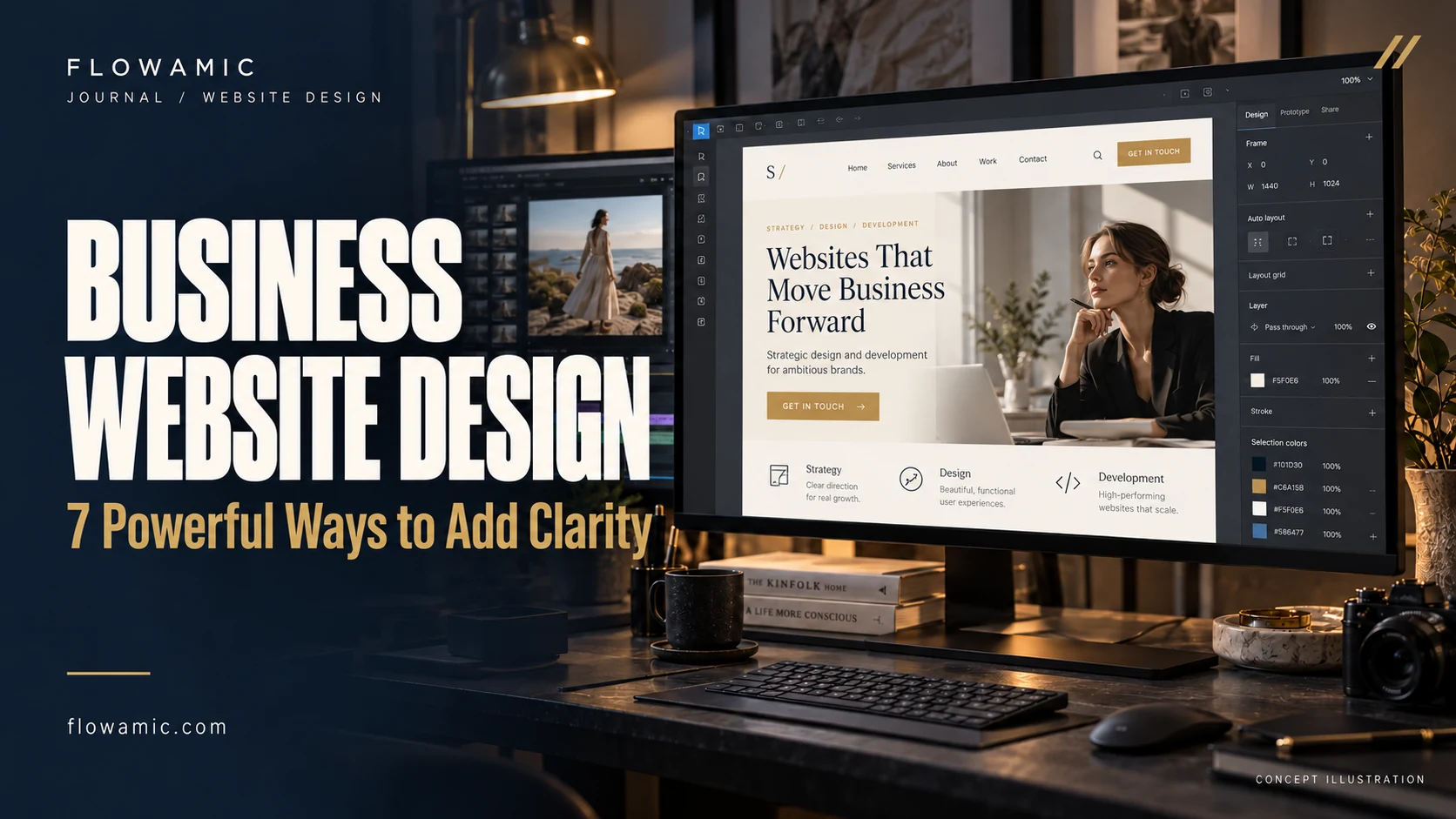
Business website design needs to turn a company’s capabilities into information a prospective client can understand and act on. This becomes more important when a business has several service divisions. The iConceptz Solutions portfolio project provides a relevant example: a company presentation spanning construction, engineering, energy and procurement, organised around services and enquiry pathways.
THE PRACTICAL TAKEAWAY
When a company offers several services, clarity is a design requirement.
1. Explain the company in plain language
A visitor should quickly understand what the business does, who it serves and what type of enquiry it welcomes. Replace a vague opening statement with a clear description of the offer.
Give technical detail a place deeper in the site without forcing every reader to start there. The homepage introduces the company; it does not need to hold the entire company brochure.
2. Give each service a distinct purpose
Separate divisions when their customers, scope or buying questions differ. A useful service page explains the problem, the relevant capability, what a typical engagement includes and how to begin.
Avoid publishing near-identical pages that only swap a city or keyword. Clear service architecture helps visitors compare the right options and gives each page a meaningful search intent.
3. Connect evidence to the claim
Place a relevant project or documented example near the service it supports. Describe the actual scope and label concepts or previews accurately.
A screenshot can demonstrate presentation and interface decisions, but it does not establish contract value or operational results. If the company has approved certifications, project photographs or testimonials, confirm their source and permission before adding them to the site.
4. Related work: iConceptz Solutions
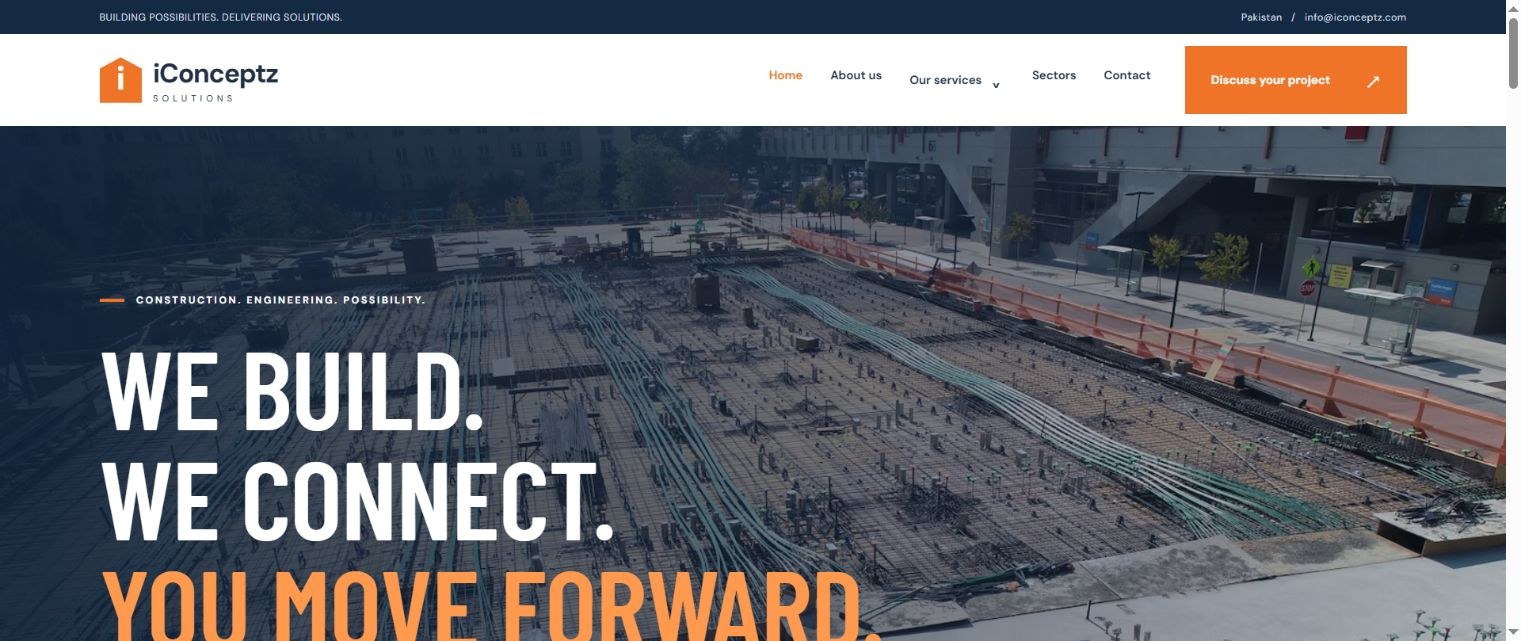
The portfolio preview organises construction, engineering, energy and procurement into a connected company presentation. The actual website screenshot below lets a reader inspect the visual hierarchy.
Its service divisions and contact routes are the useful design references here. No project revenue, lead increase or certification is implied by this article. The portfolio page describes the documented presentation in more detail.
5. Make the enquiry route useful
Ask for enough information to start a relevant conversation: the service, project location where needed, expected timing and a short requirement summary. Explain what happens after submission.
If a button opens an email draft, state that clearly. The interface should not pretend that an enquiry has reached the team when the visitor still needs to send it from their email app.
6. Plan technical SEO with the structure
Write a distinct title and description for each important page. Use one descriptive primary heading and a logical sequence of supporting headings.
Keep service links crawlable, compress images and avoid navigation that depends entirely on an animation. Structured data should identify the real organisation and page type. Business website design becomes more maintainable when these requirements are part of the build specification.
7. Review the website as a buyer
Walk through a realistic enquiry from the perspective of someone unfamiliar with the business. Can they find the relevant division, understand the scope and locate the next step?
Test this journey on mobile and desktop. Record what the page demonstrates today and what evidence is still missing. A focused review produces a stronger launch than adding unsupported promotional claims.
Common questions
Should every business service have its own page?
Use a separate page when the service has a distinct customer need and enough useful content. Do not create thin pages only to repeat a keyword.
Can this approach work for agency partners?
Yes. Agencies can scope service architecture, content preparation and implementation separately, with clear responsibilities and a defined review process.
FROM READING TO A REAL BRIEF
Your business website design project brief
Tell us what you need to publish or build, who it is for and which parts already exist. For an agency partnership, include the client context you can share, the required deliverables and the approval process.
- Define the primary audience and one useful outcome.
- List available assets, content and any access requirements.
- Set a target deadline, budget range and feedback owner.
- Agree scope, acceptance checks and handover before production.
We can discuss a focused paid pilot before a wider engagement. Scope, timing and pricing are agreed after reviewing the brief.
Discuss your project ↗Explore this service ↗CONTINUE ON LINKEDIN
A practical conversation, beyond the page
Follow Flowamic on LinkedIn for service notes, portfolio updates and conversations about agency delivery.
Visit Flowamic on LinkedIn ↗