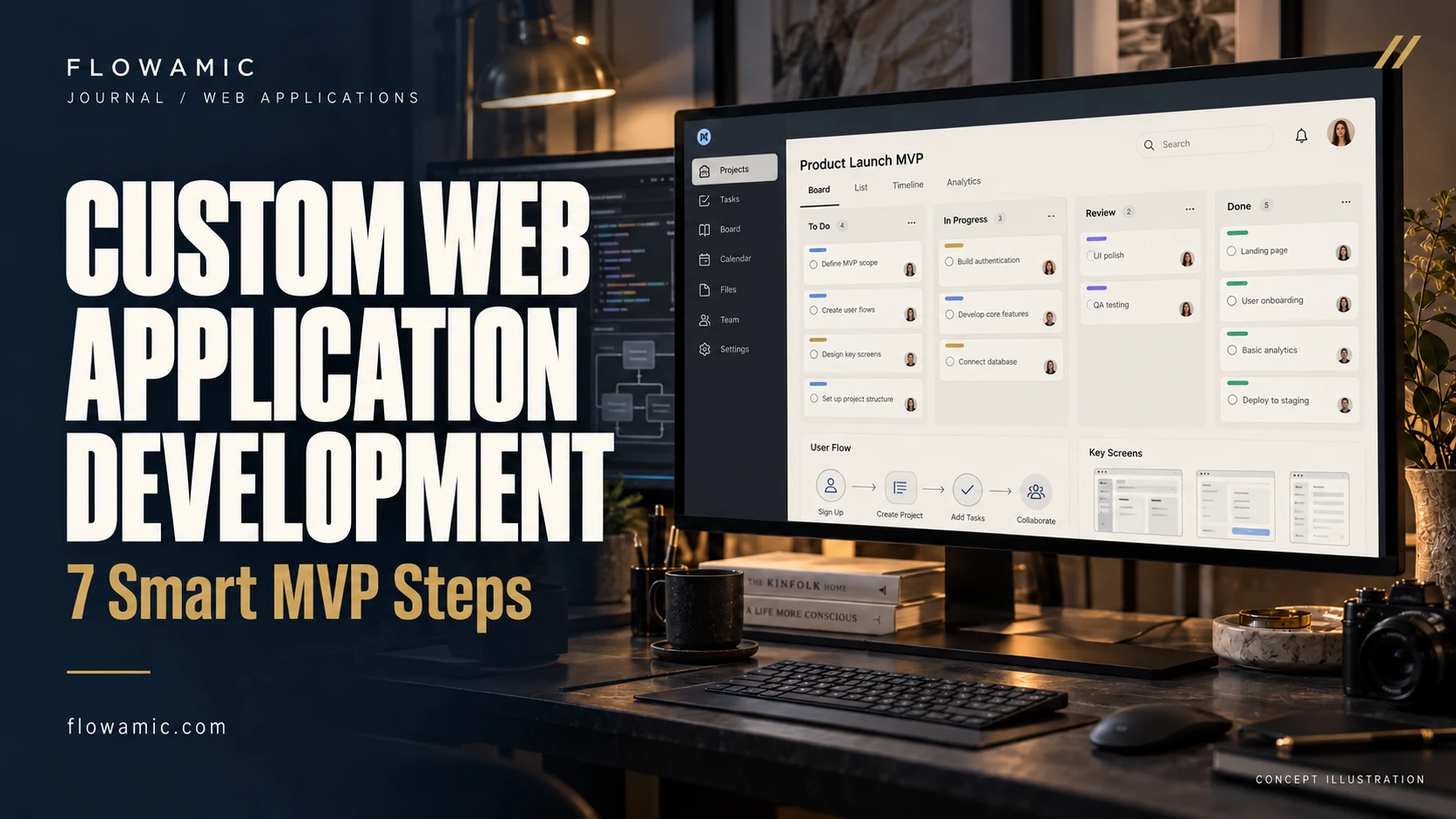
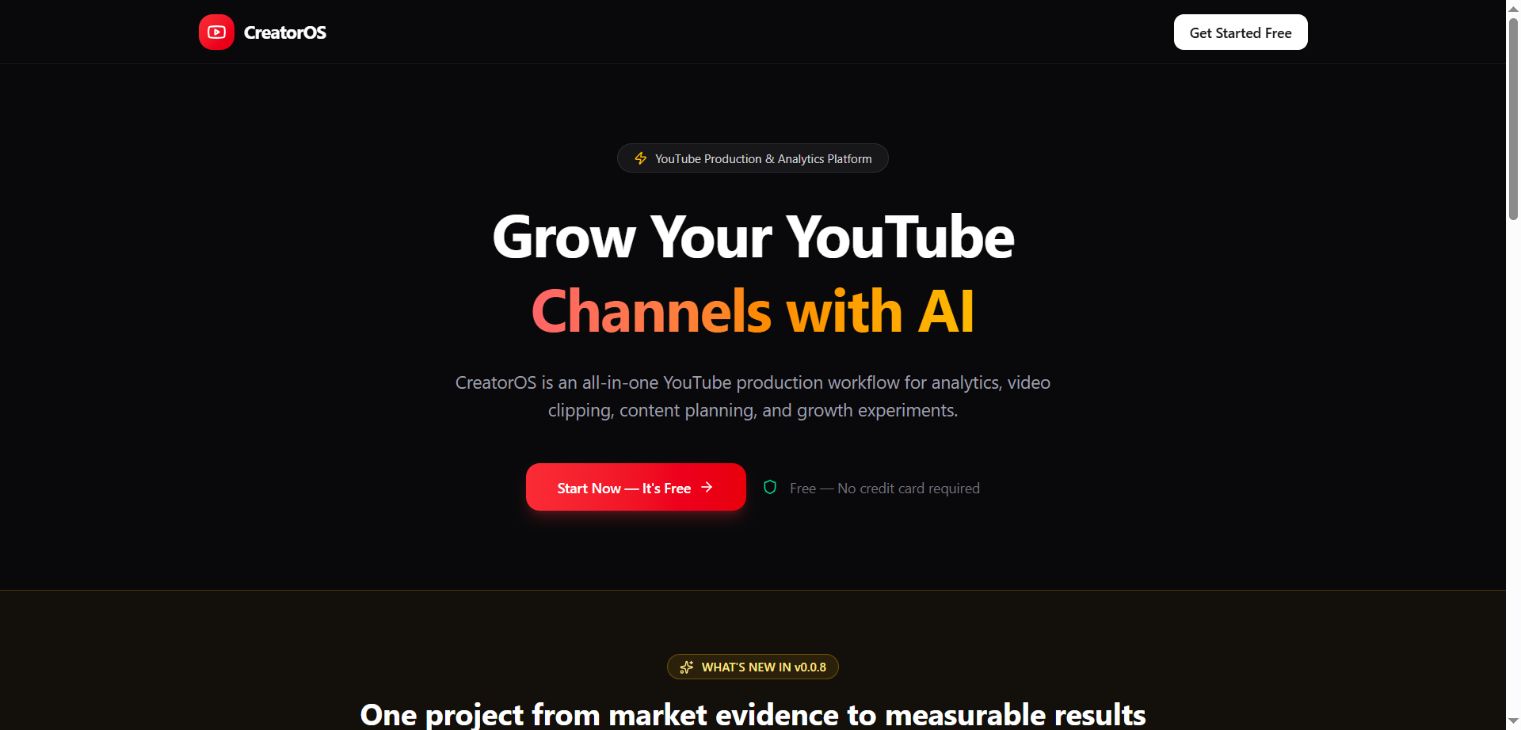
Custom web application development starts with a workflow that needs to become easier, more consistent or more useful. The first release should prove that workflow before collecting an oversized feature list. CreatorOS, a local application preview in Flowamic’s portfolio, shows a creator workspace concept connecting content planning, analytics and video clipping within one production interface.
THE PRACTICAL TAKEAWAY
A useful MVP proves one complete workflow before it collects more features.
1. Define a specific user and task
Choose the person who will use the product and the task they need to complete. A creator planning a video has different requirements from an agency administrator reviewing several client accounts.
Write a short end-to-end scenario before choosing features. This gives the team a shared reference when deciding what belongs in the first release and what can wait.
2. Set an honest MVP boundary
An MVP is a scoped first release, not a promise to build every future idea cheaply. Identify the smallest complete journey that produces useful feedback.
Include the states needed to complete that journey, such as empty lists, invalid input and failed requests. Document what is simulated or unavailable in a demonstration so nobody mistakes a visual preview for a production integration.
3. Model the information before the screens
Define the records the workflow needs and who can view or change them. A planning workspace may contain projects, content items and review states, but its final model depends on the brief.
Decide how changes are saved and how records relate to one another. Clear data ownership and validation rules prevent the interface from becoming a collection of disconnected forms.
4. Related work: CreatorOS
The CreatorOS portfolio screenshot shows a local build of a YouTube creator workspace with planning, analytics and clipping interfaces. A public demo is not available.
The example supports a discussion of application organisation and connected production workflows; it does not establish a live customer deployment, verified API access or measured productivity improvement. Integration capabilities must be reviewed against the actual implementation.
5. Make integrations a separate workstream
For each external service, confirm the required API access, permission scope, rate limits and data availability before quoting a complete integration. Decide how the app behaves if a connection expires.
Use real documentation and an agreed test account where appropriate. Do not build a production promise around a screenshot of data that may have been seeded for a demonstration.
6. Test the complete workflow
Review authentication where required, role boundaries, validation, persistence and recovery from errors. Test a realistic sequence rather than isolated buttons.
Include representative content lengths and empty states. A useful acceptance checklist describes observable behaviour: a user creates an item, edits it, reopens the page and sees the saved result. That is stronger evidence than a polished dashboard alone.
7. Plan ownership after the first release
Agree hosting, maintenance, backups, monitoring and support responsibilities before handover. Keep a short record of the product’s constraints and unresolved decisions.
Custom web application development works best when the next release is informed by real user feedback. A clearly bounded pilot gives an agency partner or product owner a practical way to assess collaboration before expanding the scope.
Common questions
Is CreatorOS available as a public SaaS product?
The portfolio labels it as a local application preview. A public demo and production availability are not claimed here.
What is needed to scope an MVP?
Bring a user workflow, required roles, examples of input and output, essential integrations and a clear definition of the first useful release.
FROM READING TO A REAL BRIEF
Your custom web application development project brief
Tell us what you need to publish or build, who it is for and which parts already exist. For an agency partnership, include the client context you can share, the required deliverables and the approval process.
- Define the primary audience and one useful outcome.
- List available assets, content and any access requirements.
- Set a target deadline, budget range and feedback owner.
- Agree scope, acceptance checks and handover before production.
We can discuss a focused paid pilot before a wider engagement. Scope, timing and pricing are agreed after reviewing the brief.
Discuss your project ↗Explore this service ↗CONTINUE ON LINKEDIN
A practical conversation, beyond the page
Follow Flowamic on LinkedIn for service notes, portfolio updates and conversations about agency delivery.
Visit Flowamic on LinkedIn ↗