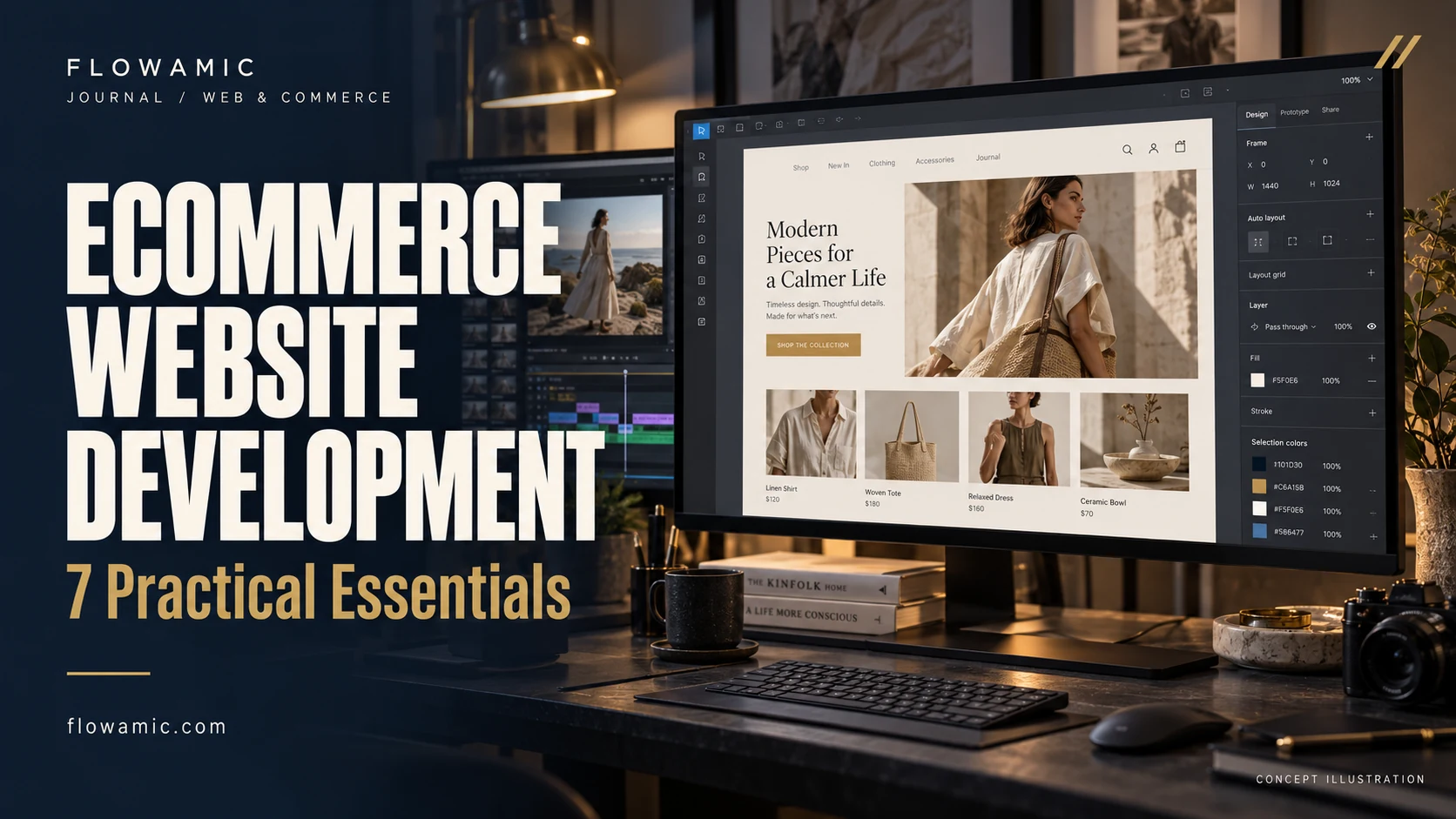
Ecommerce website development should make it easy for a customer to understand a product, choose an option and complete a purchase. A beautiful storefront helps, but the complete shopping journey deserves equal attention. The Naurah, a fashion and home-linen project in Flowamic’s portfolio, offers a useful example of how collection browsing, product discovery and shopping functions belong in one considered experience.
THE PRACTICAL TAKEAWAY
A store needs more than an attractive homepage. Collection browsing, product decisions and the cart must work as one journey.
1. Start with the way customers shop
Organise the store around recognisable collections and the questions shoppers bring. A customer looking for bed linen should not need to understand your internal stock categories.
Use clear labels, predictable navigation and a search function where the catalogue justifies it. Keep the route from a collection to a product visible on a small screen. The aim is to remove avoidable decisions before the customer reaches the product itself.
2. Give product pages a clear job
Show the product name, useful photography, price, options and availability together. Explain materials, sizing or care where these details affect a purchase.
Place delivery and returns information close enough to support the decision. A product page should answer practical questions without becoming a wall of promotional copy. This is especially useful for fashion and home-linen products that buyers cannot touch before ordering.
3. Keep the cart understandable
A shopper should be able to review the item, selected option, quantity and total before continuing. Make changes straightforward and show useful feedback after an item is added.
Treat an empty cart, unavailable variant and failed request as real parts of the design. Clarify payment and delivery rules during discovery so that the interface does not promise a checkout option that the business cannot support.
4. Related work: The Naurah
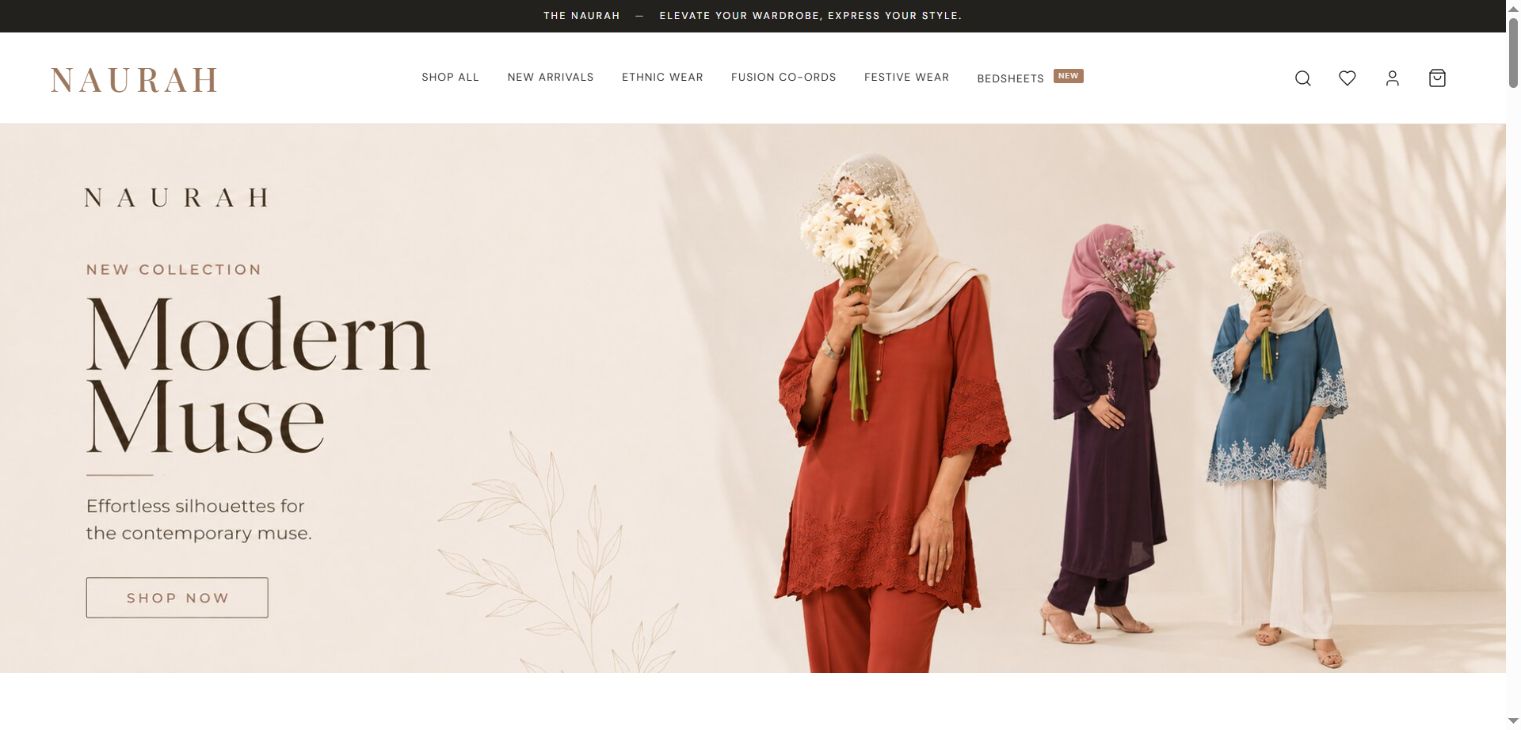
The Naurah portfolio presentation brings collection navigation, wishlist, cart and account journeys into a fashion-led storefront. The actual project screenshot below shows the visual direction; the linked work page provides the wider context.
This article discusses the documented experience rather than claiming a measured increase in sales. Payment integrations, operational workflows and current store configuration should be confirmed in a project review.
5. Build an SEO-ready catalogue
Write distinct product and collection titles that describe what is actually sold. Use useful image descriptions, stable page addresses and crawlable links between collections and products.
Avoid copying the same paragraph across every collection. Product structured data must reflect real prices and availability when implemented; it should be connected to the catalogue rather than filled with invented values for a richer search appearance.
6. Test the mobile purchase journey
Review the store on a narrow screen with realistic product names and options. Check menus, image loading, quantity controls, validation and the cart summary.
Test slow connections as well as a fast office connection. A good desktop preview does not establish that a shopper can use the full purchase journey on a phone. Document issues by step so the team can reproduce them.
7. Define success before launch
Agree which events the business needs to measure: product views, add-to-cart activity, checkout starts and completed orders where available. Record a baseline and use consent-aware analytics.
Ecommerce website development is easier to assess when the team separates a visual improvement from a verified commercial result. A focused launch checklist and a clear support owner help keep the store maintainable after handover.
Common questions
What should an ecommerce website brief include?
Include your catalogue size, product options, selling regions, payments, delivery rules, content readiness and integration requirements. These determine scope more accurately than a reference screenshot alone.
Does the example prove a sales increase?
No. The Naurah is presented as a portfolio project. This article does not claim an uplift, conversion rate or client endorsement.
FROM READING TO A REAL BRIEF
Your ecommerce website development project brief
Tell us what you need to publish or build, who it is for and which parts already exist. For an agency partnership, include the client context you can share, the required deliverables and the approval process.
- Define the primary audience and one useful outcome.
- List available assets, content and any access requirements.
- Set a target deadline, budget range and feedback owner.
- Agree scope, acceptance checks and handover before production.
We can discuss a focused paid pilot before a wider engagement. Scope, timing and pricing are agreed after reviewing the brief.
Discuss your project ↗Explore this service ↗CONTINUE ON LINKEDIN
A practical conversation, beyond the page
Follow Flowamic on LinkedIn for service notes, portfolio updates and conversations about agency delivery.
Visit Flowamic on LinkedIn ↗