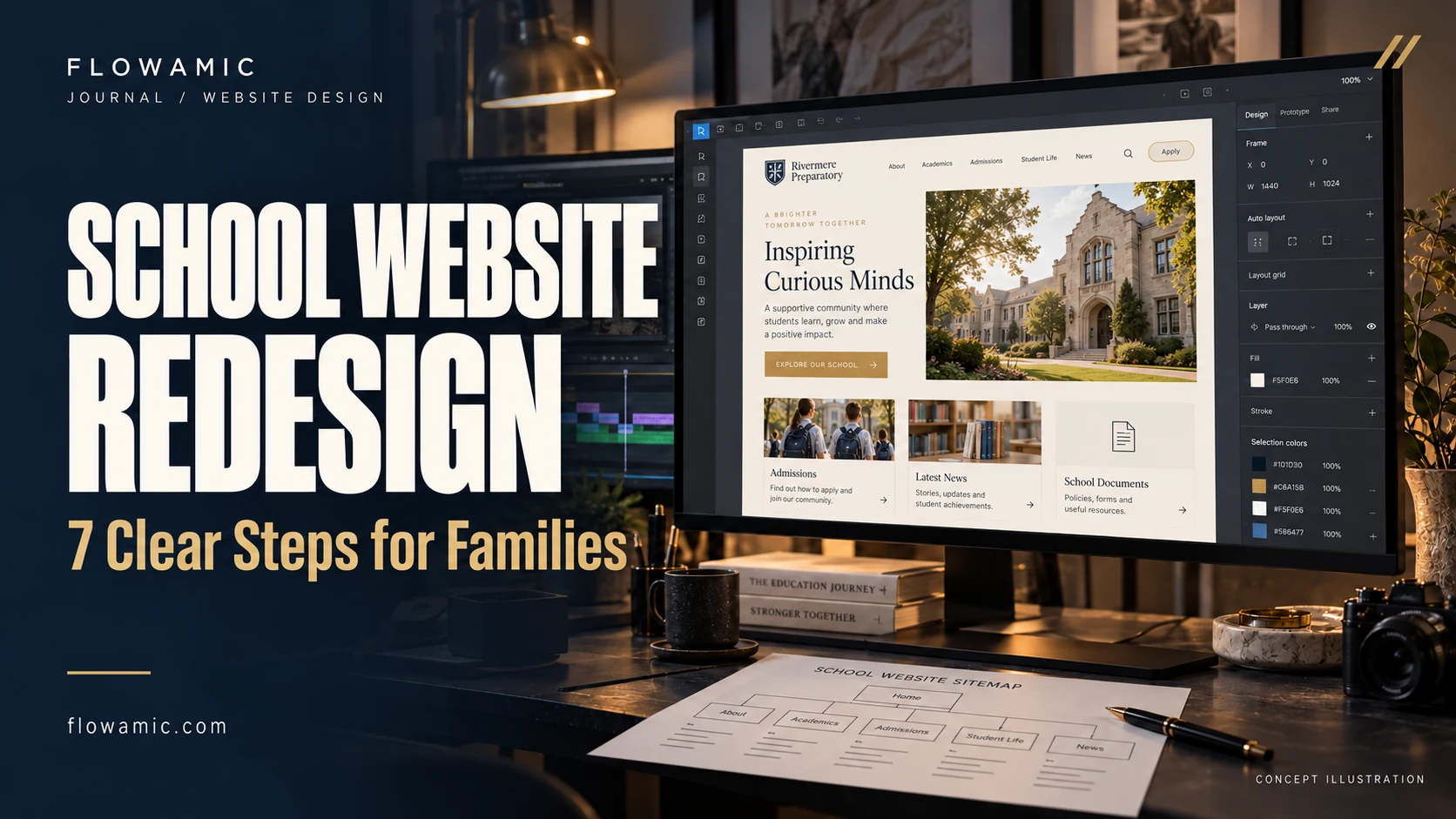
School website redesign works best when families can find essential information without having to learn a complicated menu. Admissions details, school news, documents and contact information need a clear home. Flowamic’s Dr. Petar Beron School redesign demo explores that challenge through a welcoming layout and a practical content hierarchy. It is a portfolio demonstration, not a claim of an official school commission.
THE PRACTICAL TAKEAWAY
Parents should not have to search through five menus to find one school document.
1. Begin with family tasks
List the questions a parent is likely to ask: where the school is, what it offers, how to apply and where to find a document. Give common tasks an obvious route from the homepage.
Separate urgent notices from evergreen information so a visitor can distinguish a time-sensitive update from general guidance. Ask staff which questions arrive repeatedly by phone; those questions often reveal missing website pathways.
2. Make navigation predictable
Choose labels that describe the destination rather than internal department names. Keep school information, learning, news and contact routes consistent across pages.
A family may enter from a search result rather than the homepage, so every page needs enough context to orient them. Breadcrumbs and descriptive page headings are particularly useful when the site contains several levels of information.
3. Treat documents as content
A document link should say what the file contains and, where useful, its format and date. Do not ask a parent to open a string of files with vague names to find the correct form.
Keep a record of which files remain current. When an important answer can be provided as an accessible web page, consider presenting it directly instead of requiring a download.
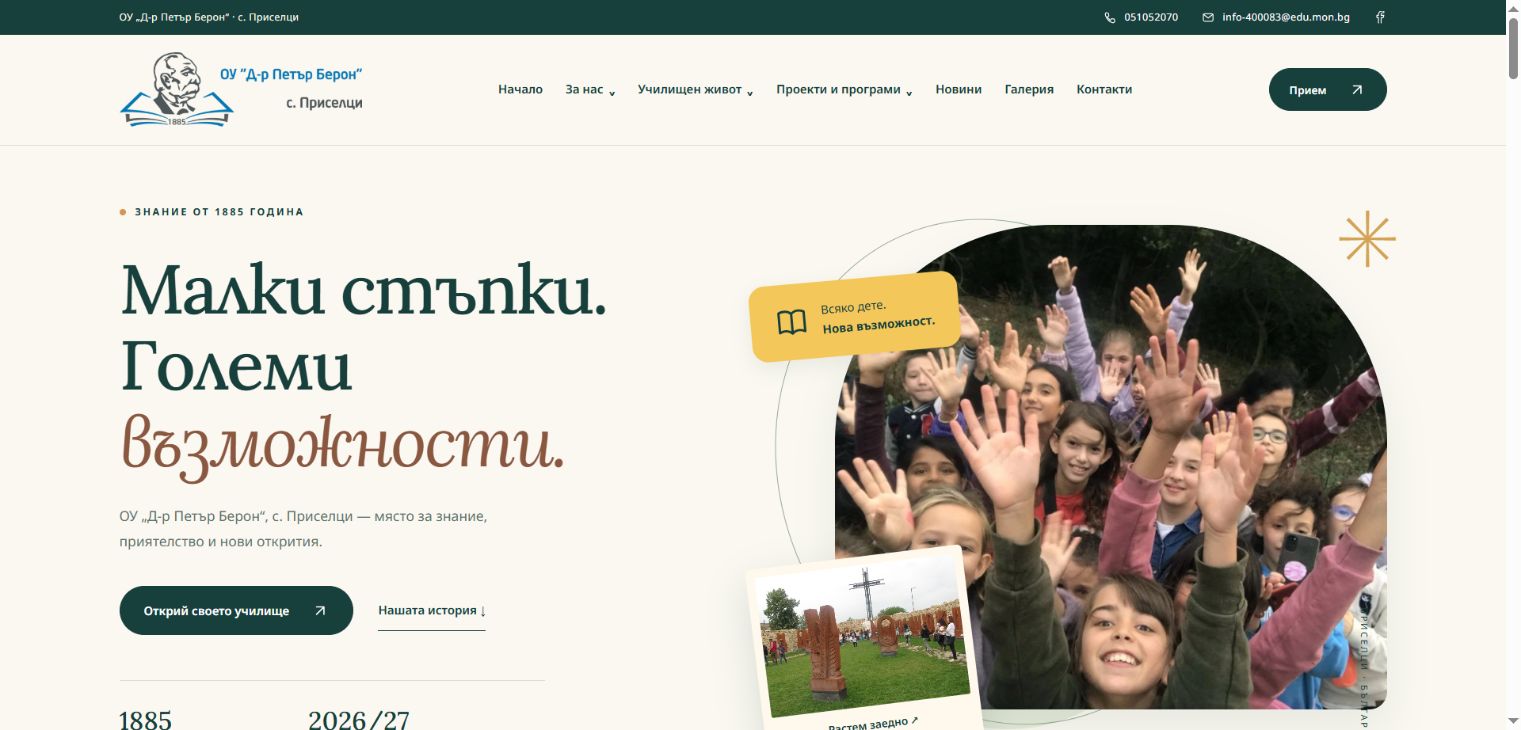
4. Related work: Dr. Petar Beron School
The published portfolio demo brings school information, news, gallery content and document access into a responsive presentation. Its actual screenshot illustrates the design direction discussed here.
The example is useful for reviewing content hierarchy and page organisation. It does not establish school approval, enrolment growth or accessibility certification; those would require separate evidence and an agreed production review.
5. Design for reading on phones
Use comfortable text sizes, strong contrast and buttons that are easy to identify. Long menus and oversized hero imagery can delay essential information on a phone.
Check that headings describe each section and that keyboard focus remains visible. Review images for meaningful alternative text. Accessibility should shape the content and interface throughout a school website redesign rather than being left to a final visual inspection.
6. Plan a safe content handover
Decide who can publish news, who checks information and who maintains school documents. A content management system may be appropriate if staff publish frequently, but the choice should follow the workflow.
Avoid giving everyone the same role by default. Prepare a short publishing guide with image sizes, naming conventions and a review process that staff can follow without technical help.
7. Check the migration before launch
If replacing an existing website, map important old pages to their new equivalents and preserve valuable document URLs where possible. Confirm page titles, descriptions, crawlable navigation and a sitemap.
Test key journeys with someone who did not build the site. Search visibility and usability both benefit when the launch preserves useful information instead of simply replacing the appearance.
Common questions
Is the school example an official deployment?
It is labelled as a portfolio redesign demo. The article does not imply an official school appointment or approval.
How do we choose the first pages to redesign?
Start with the most common family tasks and the content the school can maintain reliably, then expand from that agreed foundation.
FROM READING TO A REAL BRIEF
Your school website redesign project brief
Tell us what you need to publish or build, who it is for and which parts already exist. For an agency partnership, include the client context you can share, the required deliverables and the approval process.
- Define the primary audience and one useful outcome.
- List available assets, content and any access requirements.
- Set a target deadline, budget range and feedback owner.
- Agree scope, acceptance checks and handover before production.
We can discuss a focused paid pilot before a wider engagement. Scope, timing and pricing are agreed after reviewing the brief.
Discuss your project ↗Explore this service ↗CONTINUE ON LINKEDIN
A practical conversation, beyond the page
Follow Flowamic on LinkedIn for service notes, portfolio updates and conversations about agency delivery.
Visit Flowamic on LinkedIn ↗